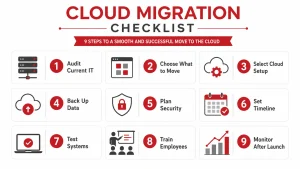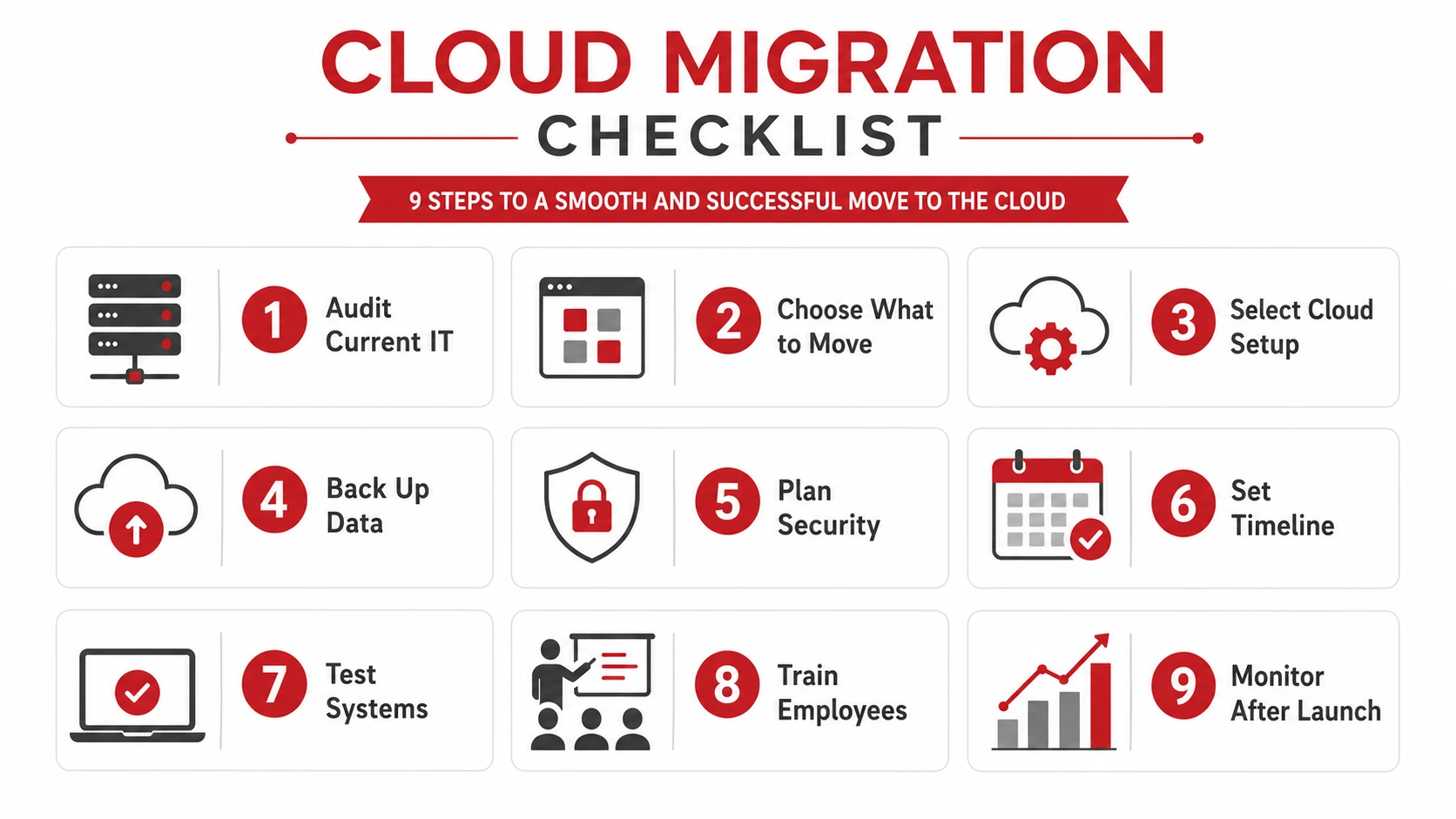
A cloud migration checklist helps your business plan what to move, protect important data, reduce downtime, and make the transition smoother. Before moving to the cloud, you need to review your current systems, choose the right cloud setup, back up your data, plan security, test everything, and support employees after the move.
Use this checklist as a practical starting point before your business migrates to the cloud.
Cloud Migration Checklist
1. Review Your Current IT Environment
Before moving anything to the cloud, document what your business currently uses. This helps your team understand what needs to move, what should stay, and what may need to be upgraded first.
Review:
- Servers
- Applications
- Databases
- File storage
- User accounts
- Security tools
- Network setup
- Business-critical systems
- Remote access tools
- Backup systems
This step also helps you find outdated software, unused tools, and systems that may not be ready for the cloud. If you already work with an IT provider, your managed IT services team can help assess your current environment before migration begins.
2. Decide What Should Move to the Cloud
Not every system has to move at once. Some applications may be ready for cloud migration, while others may need more planning or may need to stay on-premise for now.
Consider:
- Which systems are used daily
- Which applications are business-critical
- Which files need remote access
- Which systems have compliance requirements
- Which legacy tools may not work well in the cloud
- Which systems should be migrated first
A phased migration is often easier to manage than moving everything at the same time. For more context, Adivi’s guide on cloud migration vs cloud transformation explains the difference between simply moving systems and fully modernizing your business technology.
3. Choose the Right Cloud Setup
Your cloud setup should match your business needs, budget, security requirements, and growth plans.
Common options include:
- Public cloud
- Private cloud
- Hybrid cloud
- Cloud hosting
- Managed cloud services
A public cloud can be flexible and cost-effective, while a private cloud may offer more control. A hybrid cloud can give businesses a balance between flexibility and security. If you are still comparing your options, read Adivi’s guide on public vs private vs hybrid cloud.
For hands-on planning, Adivi’s cloud computing services can help your business choose the right cloud environment, migrate systems, and manage cloud infrastructure after the move.
4. Create a Data Backup Before Migration
Before any cloud migration begins, create a complete backup of your important data. This protects your business if files are lost, corrupted, or moved incorrectly during the migration.
Your backup plan should include:
- Full data backup
- Backup testing
- Backup storage location
- Recovery process
- Person or provider responsible
- Restore point before migration
- Emergency rollback plan
Do not assume everything will transfer perfectly. A clean and tested backup gives your business a safety net.
Adivi’s data backup and disaster recovery services can help protect critical files before, during, and after migration. You can also review Adivi’s guide on cloud backup vs on-premise backup to decide how your backup strategy should support your new cloud environment.
5. Plan Security and Access Controls
Cloud migration should include security planning from the beginning. Moving data to the cloud without proper access controls can create unnecessary risk.
Review:
- User permissions
- Multi-factor authentication
- Password policies
- Encryption
- Admin access
- Remote access rules
- Security monitoring
- Compliance requirements
- Employee access levels
Employees should only have access to the systems and files they need. This reduces risk if an account is compromised.
Adivi’s cybersecurity services can help protect cloud environments with cloud security, encryption, assessments, and remote access support. For a more detailed security resource, you can also read Adivi’s guide on hybrid cloud security best practices.
6. Set a Migration Timeline
A clear timeline helps reduce confusion, downtime, and missed responsibilities. Your team should know when the migration will happen, who is involved, and what to expect.
Include:
- Migration date
- Testing period
- Downtime window
- Team responsibilities
- IT provider responsibilities
- Vendor responsibilities
- Communication schedule
- Rollback plan
Choose a migration window that creates the least disruption for your business. Many companies schedule major migration work outside peak business hours or during lower-traffic periods.
For a deeper planning resource, Adivi’s article on the process for a successful cloud migration can help you understand the stages involved.
7. Test Before Going Live
Testing helps catch issues before employees depend on the new cloud environment. Do not wait until launch day to discover that files, apps, or logins do not work properly.
Test:
- Application access
- File access
- User logins
- Data accuracy
- System performance
- Security settings
- Backup recovery
- Remote access
- Integrations with other tools
Testing should include real users whenever possible. Employees can often find workflow issues that technical teams may miss.
8. Train Employees
Cloud migration is not only a technical change. It also changes how employees access files, use applications, and follow security rules.
Training should cover:
- Login instructions
- File access steps
- Password and MFA reminders
- New workflows
- Security expectations
- Support contact details
- What to do if something does not work
Keep the training simple and practical. Employees do not need a long technical explanation. They need to know how to do their work safely in the new cloud setup.
9. Monitor After Migration
The migration is not finished once systems go live. Your team should monitor the new cloud environment closely after launch.
Monitor:
- System performance
- Login issues
- User access problems
- Security alerts
- Backup status
- Cloud costs
- Application errors
- Employee feedback
Cloud environments should be reviewed regularly so your business can control costs, improve performance, and reduce security risks. Adivi’s guide on cloud computing costs can help you understand what affects cloud pricing and how to avoid unnecessary spending.
What Is Cloud Migration?
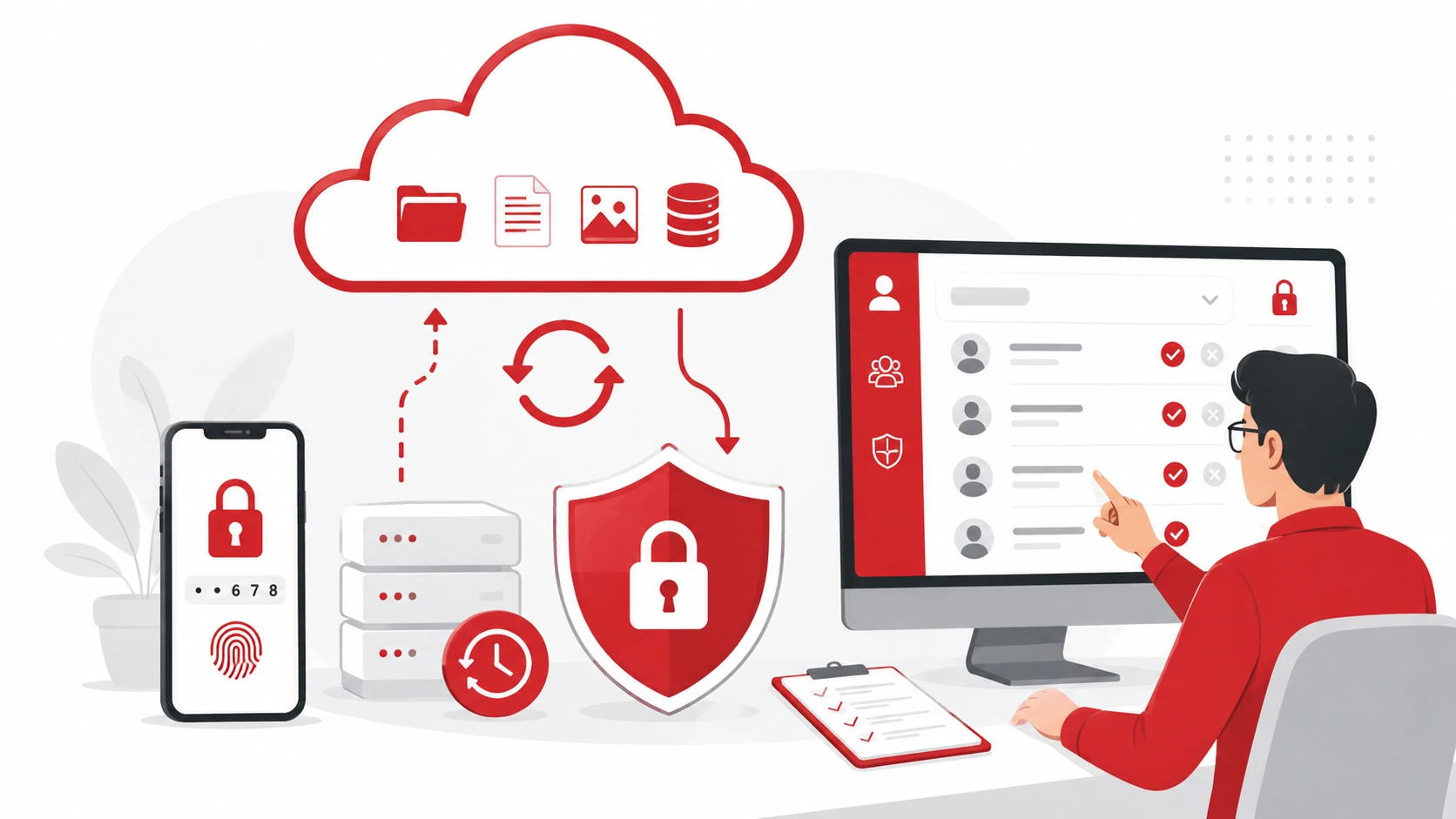
Cloud migration is the process of moving data, applications, servers, or business systems from local infrastructure to a cloud environment. This may include moving files to cloud storage, shifting applications to cloud hosting, or replacing older systems with cloud-based tools.
For small businesses, cloud migration can make technology easier to access, manage, and scale. However, the move should be planned carefully to avoid downtime, data loss, security gaps, and employee confusion.
Why Businesses Move to the Cloud
Businesses often move to the cloud because they want more flexibility, better access, and less dependence on physical hardware.
Common benefits include:
- Easier remote access
- Better scalability
- Reduced hardware costs
- Improved collaboration
- Stronger backup options
- More flexible IT management
- Easier software updates
- Better support for remote or hybrid teams
Adivi’s article on the benefits of cloud migration explains why many businesses use cloud migration to improve efficiency, flexibility, and long-term IT planning.
Common Cloud Migration Mistakes to Avoid
Cloud migration can become stressful when businesses move too quickly or skip important planning steps.
Avoid these common mistakes:
- Moving without a backup
- Migrating everything at once
- Ignoring security settings
- Not testing applications first
- Underestimating downtime
- Forgetting employee training
- Not checking cloud costs
- Failing to create a rollback plan
- Assuming every system is cloud-ready
The best cloud migrations are planned, tested, and supported by the right IT team.
Need Help With Cloud Migration?
Adivi helps small businesses plan cloud migrations, protect business data, set up secure cloud environments, and manage systems after migration. Whether your business needs cloud hosting, cloud migration, cloud security, or long-term cloud support, Adivi can help make the move easier.
If your business is preparing to move to the cloud, schedule a free assessment with Adivi’s cloud computing services team.
FAQs
What is a cloud migration checklist?
A cloud migration checklist is a step-by-step guide that helps businesses prepare systems, data, users, security, timelines, backups, and testing before moving to the cloud.
What should I do before cloud migration?
Before cloud migration, review your current systems, decide what should move, back up your data, plan security settings, set a timeline, and test applications before going live.
How long does cloud migration take?
Cloud migration timelines depend on the size of the business, number of systems, amount of data, security needs, and complexity of the setup.
What is the biggest risk in cloud migration?
One of the biggest risks is moving data or systems without proper backup, testing, and security planning.
Do small businesses need cloud migration support?
Yes. Many small businesses benefit from cloud migration support because it helps reduce downtime, protect data, avoid setup mistakes, and keep cloud systems secure after the move.