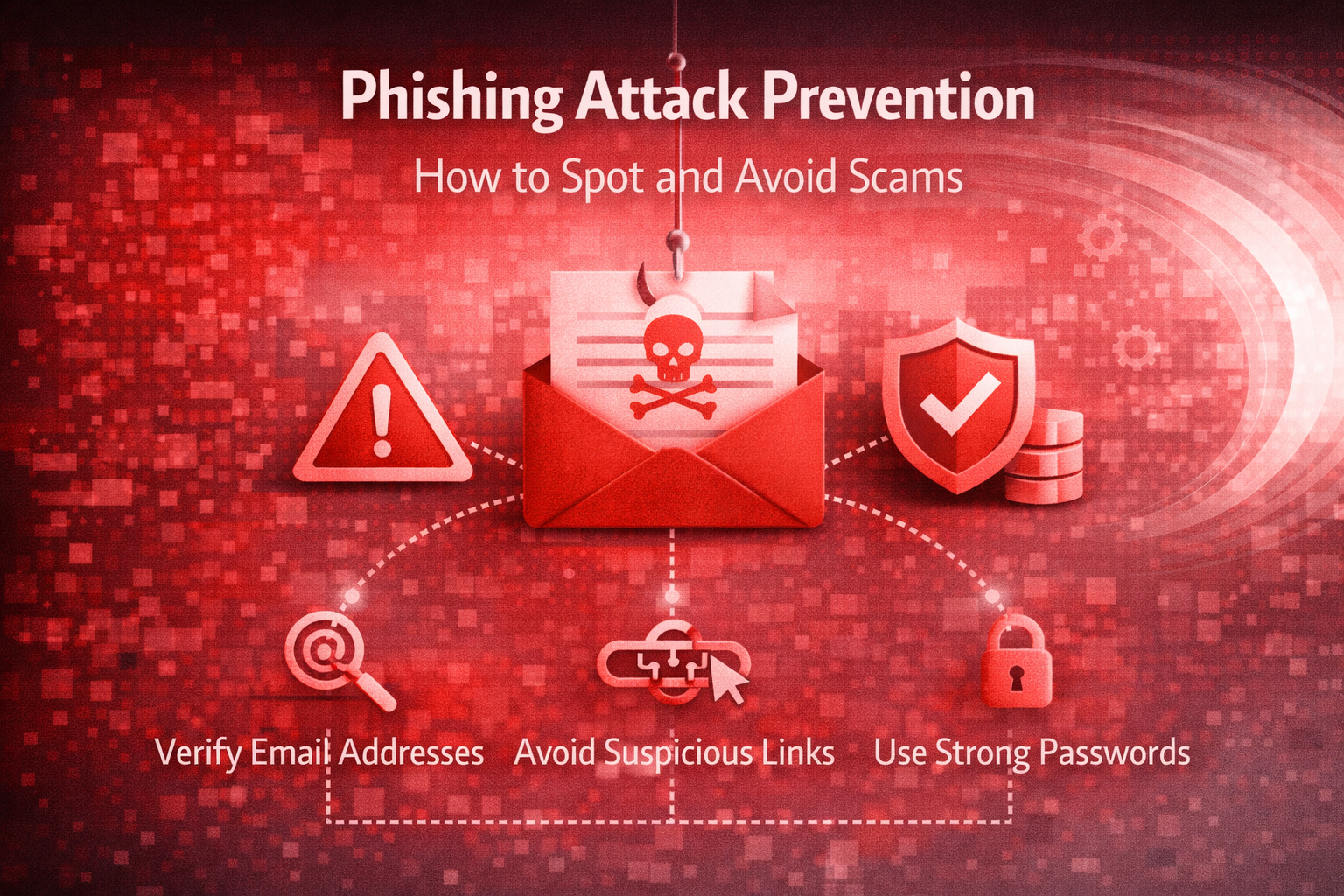
Phishing scams are becoming more sophisticated. Cybercriminals now use fake emails, text messages, phone calls, and even social media accounts to trick people into revealing sensitive information like passwords, bank details, or login credentials.
Phishing attacks are one of the most common and dangerous cyber threats. Whether you’re a small business owner, employee, or everyday internet user, understanding how phishing works can protect your money, data, and reputation.
This guide explains what phishing is, how to spot it, and how to avoid becoming a victim, in simple, practical terms.
Phishing attacks cost businesses millions every year. Protect your data, your clients, and your reputation with proactive IT security support.
Key Takeaways
- Phishing attacks trick victims into giving away sensitive information.
- Scammers use urgency, fake email addresses, and suspicious links.
- Never click unknown links or download unexpected attachments.
- Multi-factor authentication adds a strong layer of protection.
- Employee awareness is one of the most effective defenses.
- Fast response can minimize damage if an attack occurs.
What Is a Phishing Attack?
A phishing attack is a type of cybercrime in which attackers pose as trusted sources to trick victims into disclosing sensitive information.
The term “phishing” comes from “fishing” attackers bait” victims with convincing messages.
Common targets include:
- Online banking credentials
- Business email accounts
- Credit card details
- Social media logins
- Company data
Common Types of Phishing Attacks
1. Email Phishing
Fake emails that look like they come from trusted companies like Microsoft, PayPal, or Amazon asking you to “verify” or “update” your account.
2. Spear Phishing
A targeted phishing attack aimed at a specific person or company. These emails often include personal details to appear legitimate.
3. Smishing (SMS Phishing)
Scam messages sent through text messages. Example: “Your package is delayed. Click here to track.”
4. Vishing (Voice Phishing)
Scammers call and pretend to be from banks, IT support, or government agencies.
5. Business Email Compromise (BEC)
Attackers impersonate executives or managers and request urgent payments or the transfer of sensitive data.
How to Spot a Phishing Scam
Here are clear warning signs to watch for:
1. Urgent or Threatening Language
Messages that say:
- “Your account will be suspended!”
- “Immediate action required!”
- “You must respond within 24 hours!”
Scammers create panic to stop you from thinking clearly.
2. Suspicious Email Address
The display name may look real, but the actual email address is slightly misspelled (e.g., support@micr0soft.com).
3. Generic Greetings
“Dear Customer” instead of your real name.
4. Unexpected Attachments or Links
Never click links or download files from unknown senders.
5. Poor Grammar and Spelling
Many phishing emails contain noticeable errors.
6. Requests for Sensitive Information
Legitimate companies rarely ask for passwords or banking details via email.
How to Avoid Phishing Attacks
Prevention is much easier than recovery. Follow these simple steps:
1. Always Verify the Source
If you receive a suspicious email from your “bank,” visit the official website directly instead of clicking the link.
2. Enable Multi-Factor Authentication (MFA)
Even if attackers get your password, MFA can block access.
3. Train Employees Regularly
Businesses should conduct phishing awareness training and simulations.
4. Use Email Security Tools
Modern email filters can detect and block phishing attempts before they reach inboxes.
5. Keep Software Updated
Updates fix security vulnerabilities attackers may exploit.
6. Think Before You Click
What to Do If You Clicked a Phishing Link
If you suspect you interacted with a phishing scam:
- Disconnect from the internet immediately.
- Change affected passwords.
- Enable MFA if not already active.
- Inform your IT department (for businesses).
- Monitor financial accounts.
- Run antivirus and malware scans.
Why Phishing Prevention Matters for Businesses
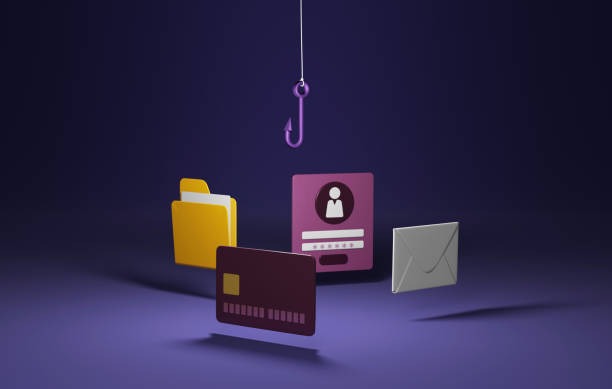
For businesses, phishing attacks can lead to:
- Financial losses
- Data breaches
- Legal penalties
- Reputation damage
- Operational downtime
Cybercriminals often use phishing as the entry point for ransomware attacks. One careless click can affect the entire organization.
Conclusion
Phishing attacks are not going away, they are becoming smarter and more convincing every year. But the good news is that most phishing scams can be avoided with awareness, caution, and proper security measures.
By understanding how phishing works and teaching others to recognize warning signs, you can protect yourself and your organization from costly cyber threats.
Secure your business before attackers strike. Schedule a cybersecurity review with Adivi today.
Frequently Asked Questions (FAQ)
1. What is the main goal of a phishing attack?
The main goal is to steal sensitive information such as passwords, banking details, or company data.
2. Can phishing attacks happen through text messages?
Yes. This is called “smishing,” where scammers send fake SMS messages with malicious links.
3. How do I know if an email is phishing?
Look for urgent language, suspicious email addresses, unexpected attachments, and requests for personal information.
4. Is multi-factor authentication really necessary?
Yes. MFA significantly reduces the risk of unauthorized access even if your password is stolen.
5. What should businesses do to prevent phishing?
Businesses should implement employee training, email filtering tools, MFA, regular security updates, and continuous monitoring systems.