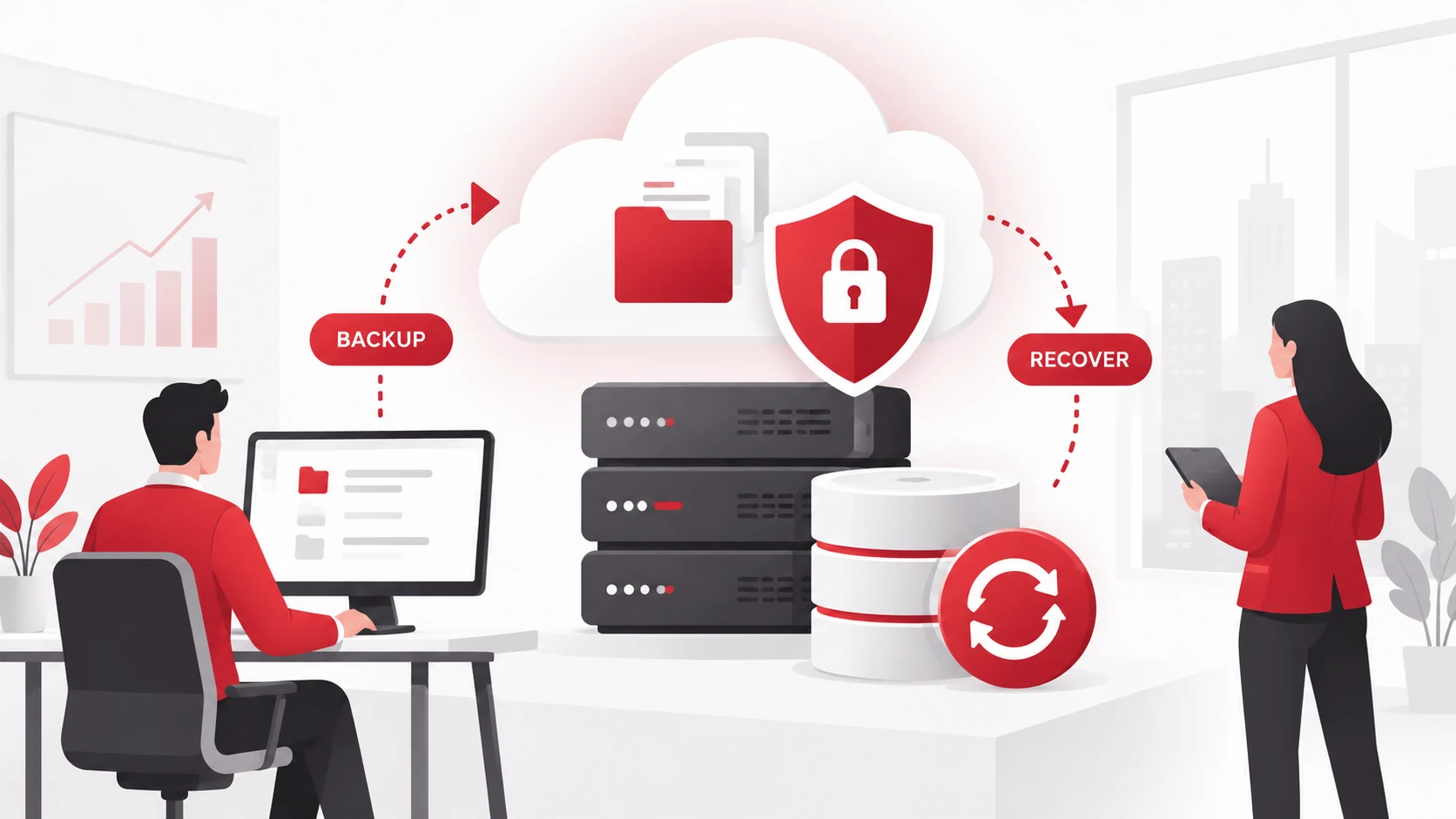
Businesses rely on digital information for daily operations, customer communication, financial activities, and decision-making. However, important data can be lost due to accidental deletion, hardware failures, cyberattacks, software issues, or unexpected disruptions.
Data backup and recovery helps businesses protect critical information and restore access when problems occur. By maintaining secure copies of important data, organizations can reduce downtime, recover faster, and continue operations during unexpected events.
This article explains the top six advantages of data backup and recovery and why businesses should include it as part of their IT strategy.
Key Takeaways
- Data backup helps prevent permanent loss of important business information.
- Recovery solutions help reduce downtime after disruptions.
- Backups provide protection against ransomware and cyber threats.
- A reliable backup strategy supports business continuity.
- Regular testing ensures backups can be restored when needed.
What Is Data Backup and Recovery?
Data backup is the process of creating copies of important information and storing them separately from the original data.
Data recovery is the process of restoring information after it has been deleted, damaged, lost, or made unavailable.
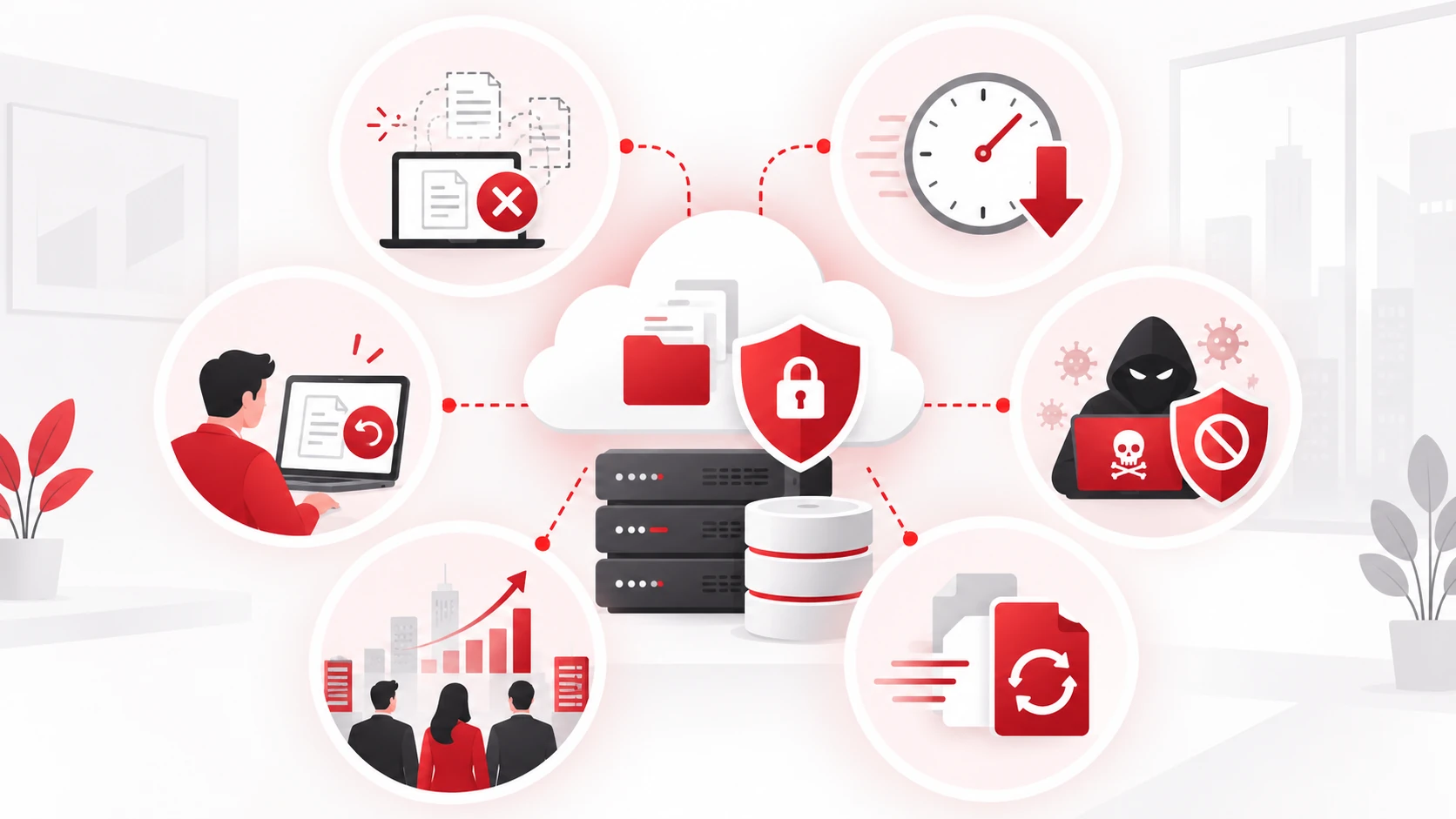
Businesses use backup and recovery solutions to protect against:
- Hardware failures
- Accidental deletion
- Cyberattacks
- Software problems
- Natural disasters
- System disruptions
A reliable backup strategy includes regular backups, secure storage, access controls, and recovery testing.
Businesses can also review Adivi’s guide on data backup and recovery strategies for additional guidance on building a stronger backup approach.
Why Businesses Need Data Backup and Recovery
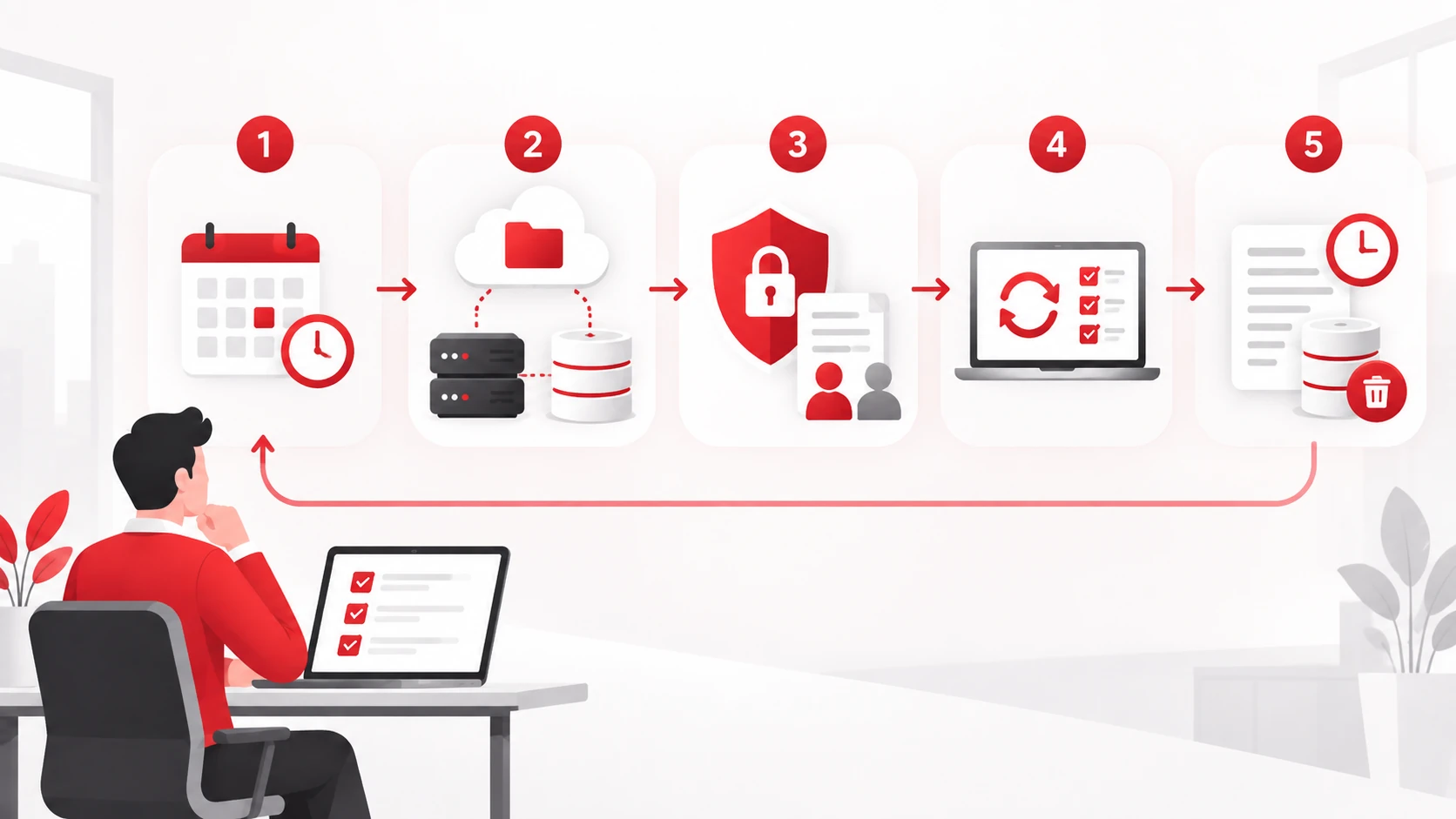
Data loss can affect productivity, revenue, customer relationships, and daily operations. A proper backup and recovery plan helps businesses prepare for unexpected incidents and restore important information when needed.
1. Prevents Permanent Data Loss
One of the biggest advantages of data backup is protecting important information from permanent loss.
Businesses store valuable data such as:
- Customer records
- Financial documents
- Employee information
- Business files
- Application data
Without backups, recovering lost information after hardware failure, accidental deletion, or a cyberattack may be difficult or impossible.
Regular backups provide businesses with copies of important data that can be restored when original files become unavailable.
2. Reduces Business Downtime
Data loss can interrupt normal business operations and prevent employees from accessing important systems and files.
A reliable recovery process helps businesses restore information faster after disruptions, reducing the amount of time systems remain unavailable.
For example, if a server failure affects access to important applications, having recent backups can help restore operations more quickly.
Reducing downtime allows businesses to continue serving customers and maintaining essential processes.
3. Protects Against Ransomware and Cyber Threats
Cyberattacks are a major concern for businesses of all sizes.
Ransomware can encrypt files and prevent organizations from accessing important information. Attackers may demand payment in exchange for restoring access.
Secure backups provide businesses with another recovery option if ransomware affects their systems.
However, backups must also be protected. Businesses should consider:
- Restricting backup access
- Encrypting backup data
- Maintaining separate backup copies
- Testing recovery procedures regularly
Businesses can learn more about preparing for ransomware incidents through Adivi’s ransomware recovery plan.
4. Supports Business Continuity
Business continuity depends on an organization’s ability to maintain operations during unexpected events.
Data backup and recovery helps businesses prepare for situations such as:
- Hardware failures
- Cyberattacks
- Power outages
- Natural disasters
- System failures
Having reliable backups reduces dependence on a single system or location and helps organizations recover important information with less disruption.
A backup strategy should work alongside broader continuity planning to ensure businesses know how to respond during incidents.
5. Enables Faster Data Recovery
Not all business data has the same level of importance.
A backup and recovery strategy helps organizations identify critical information and prioritize restoration.
For example:
- Customer-facing systems may require immediate recovery.
- Financial records may need priority access.
- Less critical files may be restored later.
Recovery speed depends on factors such as backup frequency, storage location, data size, and recovery methods.
Regular recovery testing helps businesses understand how quickly they can restore important information when an incident occurs.
6. Protects Against Human Error
Human mistakes are one of the most common causes of data loss.
Employees may accidentally:
- Delete important files
- Overwrite documents
- Modify critical information
- Share incorrect versions of files
Backups allow businesses to restore previous versions of information and recover files that were accidentally changed or removed.
This is especially valuable for organizations managing large amounts of customer information and business documents.
Best Practices for a Reliable Backup Strategy
Creating backups is only one part of protecting business information. Organizations should also follow best practices to improve reliability and recovery readiness.
Create Regular Backups
Backup schedules should match how often business data changes.
Organizations handling important transactions or frequently updated information may need more frequent backups compared to businesses with less dynamic data.
Store Backups in Multiple Locations
Keeping multiple backup copies reduces the risk of losing all data from a single incident.
Many businesses use a combination of:
- Local backups
- Off-site backups
- Cloud backups
This approach provides additional protection if one backup location becomes unavailable.
Businesses can also compare different approaches in Adivi’s guide on cloud backup vs traditional backup.
Secure Backup Data
Backup files should receive the same level of protection as production data.
Businesses should use security measures such as:
- Encryption
- Strong authentication
- Access controls
- Backup monitoring
Restricting access helps prevent unauthorized users from modifying or deleting backup copies.
Test Recovery Procedures
A backup is only useful if it can be successfully restored.
Regular testing helps businesses confirm that:
- Backup files are available
- Recovery procedures work correctly
- Employees understand the restoration process
Testing also helps identify issues before a real emergency occurs.
Review Backup Retention Policies
Businesses should determine how long backup copies should be stored.
A backup retention policy helps organizations balance:
- Storage costs
- Recovery requirements
- Compliance needs
- Business priorities
How Adivi Helps Businesses Protect Their Data
A reliable backup strategy requires more than simply creating copies of files.
Businesses need to determine:
- Which information requires protection
- How often backups should run
- Where backup copies should be stored
- How data will be restored after an incident
Adivi’s data backup and disaster recovery services help businesses protect critical information and improve recovery readiness. Contact Adivi to discuss your data protection needs.
Adivi helps organizations develop backup strategies, implement recovery solutions, and maintain reliable protection for important business data.
Final Thoughts
Data backup and recovery is an essential part of protecting business operations. By maintaining secure copies of important information and testing recovery procedures, businesses can reduce the impact of data loss and respond more effectively to unexpected disruptions.
A reliable backup strategy helps organizations protect critical data, recover faster after incidents, and maintain continuity when challenges occur.
Frequently Asked Questions
Why is data backup important for businesses?
Data backup helps businesses protect important information from accidental deletion, hardware failures, cyberattacks, and other disruptions. It provides a way to restore data when original files become unavailable.
How often should businesses back up their data?
Backup frequency depends on how often data changes and how much information a business can afford to lose. Organizations with frequently changing data may require more frequent backups.
Can backups protect businesses from ransomware?
Backups can help businesses recover after ransomware attacks, but they must be properly secured. Organizations should protect backup copies from unauthorized access and regularly test recovery procedures.
Why should businesses test their backups?
Testing backups helps confirm that files can be restored successfully and that recovery procedures work properly before an actual emergency occurs.
What is the difference between backup and recovery?
Backup is the process of creating copies of data, while recovery is the process of restoring data after it has been lost, damaged, or made unavailable.