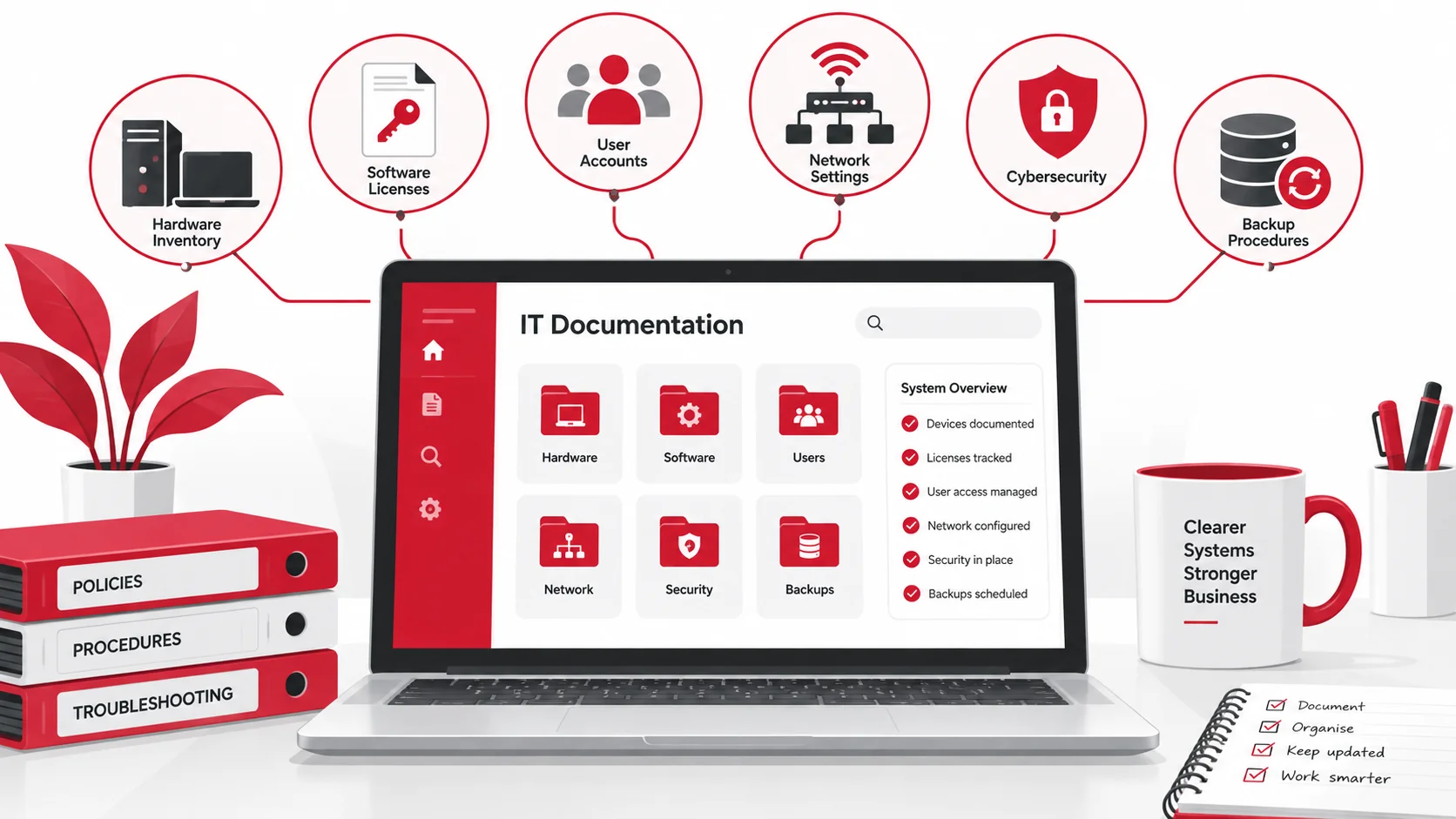
IT documentation is a collection of records that explains how a business’s technology systems are set up, managed, and maintained. It can include information about hardware, software, user accounts, networks, security settings, backups, and troubleshooting procedures.
For small businesses, proper IT documentation helps reduce downtime, improve security, and make it easier for employees or IT providers to manage technology. Instead of relying on one person’s memory, companies can create a reliable source of information that supports daily operations.
What Is IT Documentation?
IT documentation is a record of a company’s technology systems, including how they are configured, managed, and accessed.
It may include:
- Hardware and device details
- Software and licenses
- User accounts and permissions
- Network configurations
- Security and backup procedures
Keeping this information organized helps small businesses troubleshoot issues faster, improve security, and manage technology more effectively.
Key Takeaways
- IT documentation helps businesses track systems, devices, accounts, and technology processes.
- Good documentation makes troubleshooting faster and reduces dependency on individual employees.
- Important records include hardware details, software information, security settings, and backup procedures.
- Managed IT services can help businesses create, organize, and maintain accurate IT documentation.
Why IT Documentation Matters for Small Businesses
Many small businesses rely on a single employee, business owner, or external provider who understands how their technology works. While this may work in the short term, it can create problems when someone leaves, systems change, or technical issues occur.
Without proper documentation, companies may struggle to answer important questions:
- What devices are being used?
- Which employees have access to certain systems?
- Where are backups stored?
- Who manages important software accounts?
- How should common IT problems be resolved?
Good IT documentation helps companies respond faster, improve security, and maintain better control over their technology environment.
Common IT Documentation Challenges
Creating IT documentation sounds simple, but many organizations struggle to maintain it.
Information Is Scattered
Technology information is often stored across emails, spreadsheets, personal notes, and different platforms. This makes it difficult to find important details when they are needed.
For example, a company may have device information in one spreadsheet, software licenses in another document, and vendor contacts stored in an employee’s email.
Documentation Becomes Outdated
Technology changes frequently. New employees join, devices are replaced, software is updated, and security settings change.
If documentation is not updated regularly, it can become unreliable and create more confusion instead of solving problems.
No Clear Ownership
Many companies create documentation but do not assign responsibility for maintaining it. Without a clear owner, updates are often forgotten.
Documentation should have someone responsible for reviewing and updating information regularly.
Essential IT Documentation Every Small Business Needs
The type of documentation a company needs depends on its technology environment. However, most small businesses should maintain records for their hardware, software, users, networks, security, and backups.
Hardware Inventory Records
A hardware inventory keeps track of the physical technology used by the company.
This may include:
- Computers and laptops
- Servers
- Network equipment
- Printers
- Mobile devices
- Other company-owned equipment
Each record should include details such as the device name, serial number, assigned user, location, purchase date, warranty information, and status.
An updated inventory makes it easier to manage replacements, repairs, security updates, and equipment planning.
Software and License Information
Companies often use multiple applications, subscriptions, and cloud platforms. Without documentation, it can be difficult to track what software is being used or when licenses need renewal.
Software documentation should include:
- Applications currently in use
- License details
- Subscription dates
- Renewal information
- Assigned users
- Account owners
This helps prevent unnecessary costs, expired licenses, and unused subscriptions.
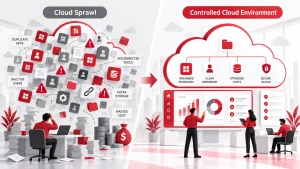
For companies using cloud platforms, cloud computing services can help manage applications, storage, and access more efficiently.
User Accounts and Access Details
User account documentation helps companies understand who can access systems and what permissions they have.
This should include:
- Employee accounts
- Admin accounts
- Shared accounts
- External users
- User permissions
- Access changes
Keeping access records updated is especially important when employees join, leave, or change roles. Regular reviews can also prevent unnecessary access to sensitive information.
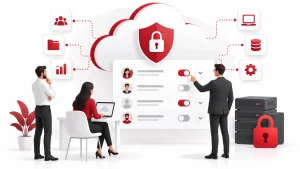
Companies can use a file sharing permissions audit process to review who can access important files and remove outdated permissions.
Network Documentation
Network documentation explains how a company’s technology infrastructure connects and operates.
Important details may include:
- Network layout
- Routers and switches
- Firewall settings
- Wi-Fi information
- IP addresses
- VPN configurations
- Internet service details
When network problems occur, this documentation helps IT teams identify issues faster instead of rebuilding information from scratch.
Cybersecurity Documentation
Security documentation helps companies understand how their systems and data are protected.
This may include:
- Security policies
- Multi-factor authentication settings
- Access rules
- Antivirus and security tools
- Incident response procedures
- Employee security guidelines
Strong documentation also helps companies respond more effectively if a security issue occurs.
Organizations that need help improving security processes can use cybersecurity services and solutions to strengthen protection, monitoring, and response planning.
Backup and Disaster Recovery Documentation
Backup documentation explains how company data is protected and how it can be recovered after an incident.
It should include:
- What data is backed up
- Backup schedules
- Storage locations
- Recovery steps
- Backup testing procedures
- Responsible contacts
A documented recovery process helps companies respond faster after data loss, hardware failure, accidental deletion, or cyberattacks.
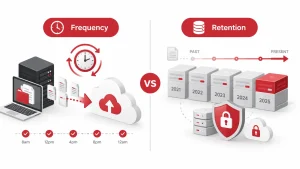
A strong data backup and disaster recovery plan ensures critical information can be restored when needed.
How to Create Better IT Documentation
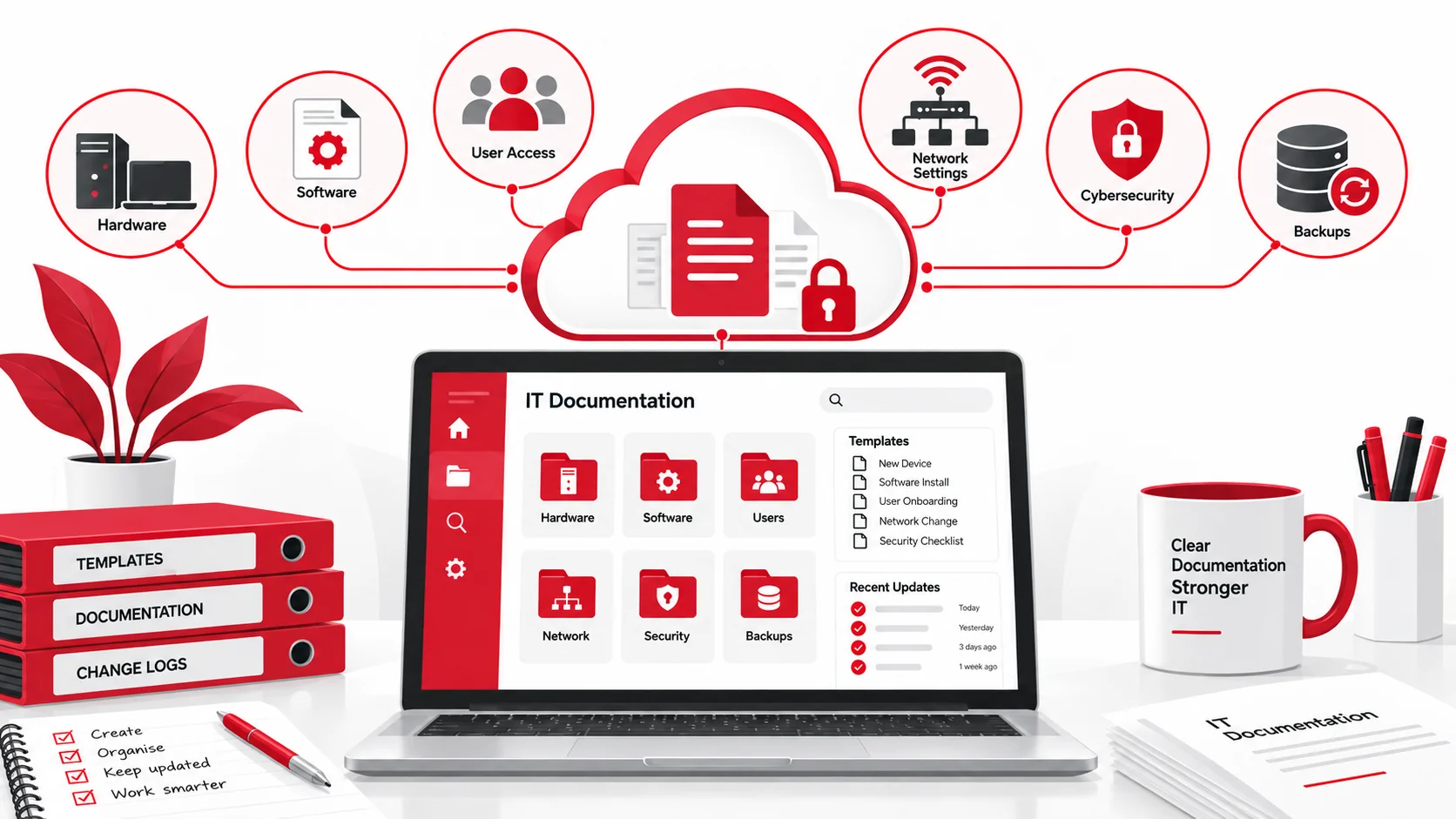
Creating useful documentation does not require complicated processes. The most important thing is making sure information is organized, accurate, and easy to access.
Start With the Most Important Systems
Begin by documenting the technology that has the biggest impact on daily operations.
Start with:
- Critical devices
- Business applications
- User accounts
- Network information
- Backup systems
- Security tools
Once the basics are documented, companies can expand their records over time.
Use a Centralized Documentation System
Avoid storing important information across multiple spreadsheets, emails, and personal notes.
A centralized documentation system makes information easier to find and update.
Companies may use:
- Documentation platforms
- Knowledge bases
- Secure cloud storage
- Password managers
- IT management tools
The system should also have appropriate security controls because IT documentation may contain sensitive information.
Create Simple Templates
Templates make documentation easier to maintain and keep consistent.
Useful templates include:
- Device inventory records
- Software tracking sheets
- User access records
- Network diagrams
- Troubleshooting guides
- Security procedures
Simple and practical documentation is more valuable than complex documents that nobody updates or uses.
Protect IT Documentation
IT documentation often contains sensitive information about company systems. It should be protected like any other important business data.
Security measures may include:
- Restricting access
- Using encryption
- Protecting passwords
- Reviewing permissions regularly
- Keeping backups
Schedule Regular Reviews
Documentation should be updated whenever technology changes.
Review documents after:
- New employee onboarding
- Hardware replacements
- Software changes
- Network updates
- Security improvements
Regular reviews keep information accurate and useful.
IT Documentation Checklist for Small Businesses
A simple documentation process should include:
- Hardware inventory and device details
- Software licenses and subscriptions
- User accounts and access permissions
- Network information and configurations
- Security policies and procedures
- Backup and recovery plans
- Vendor and service provider contacts
- Troubleshooting guides
- Documentation review schedule
Common IT Documentation Mistakes to Avoid
Many companies create documentation but fail to maintain it properly.
Common mistakes include:
- Keeping important information only in one employee’s memory
- Storing sensitive details in unsecured documents
- Forgetting to update records after changes
- Creating complicated documentation nobody uses
- Failing to document new technology
The best documentation is accurate, accessible, and regularly maintained.
How Managed IT Services Can Help
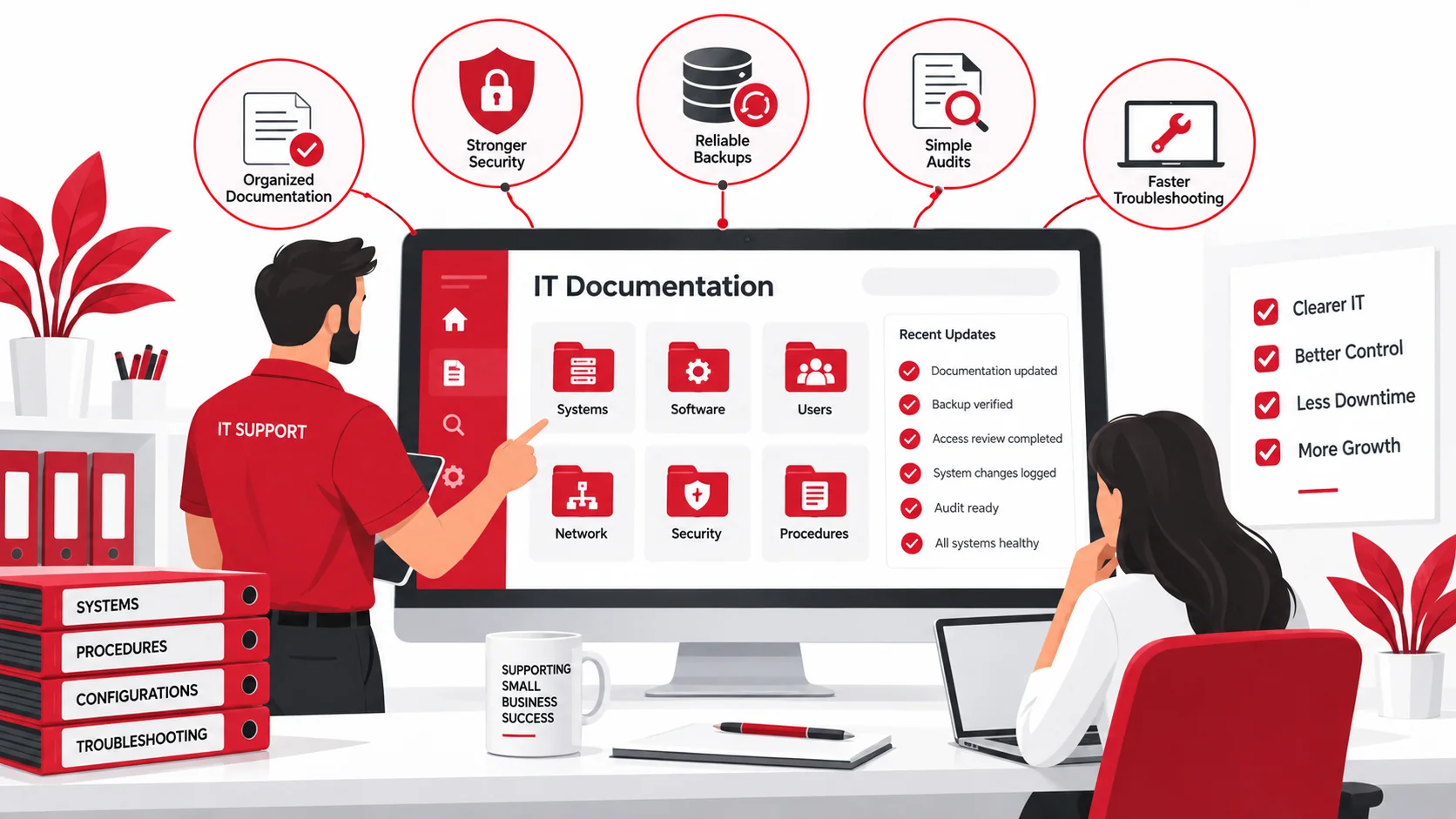
Small businesses may not always have the time or expertise to create and maintain detailed IT documentation. A managed IT provider can help organize systems, document technology environments, and keep records updated.
Managed IT support can help with:
- IT audits
- Hardware and software tracking
- Network documentation
- Security reviews
- Backup documentation
- Ongoing updates
By maintaining accurate documentation, companies can improve troubleshooting, reduce downtime, and manage technology more effectively.
Final Thoughts
IT documentation is more than a collection of technical notes. It is a practical tool that helps businesses protect systems, solve problems faster, and maintain better control over their technology.
Small businesses do not need complicated documentation to get started. Begin with important systems, keep records organized, update information regularly, and make sure the right people can access it.
With a strong documentation process, companies can create a more reliable and secure IT environment.
FAQs
What is IT documentation?
IT documentation is a collection of records that explains a business’s technology systems, devices, software, security processes, and procedures.
Why is IT documentation important for small businesses?
IT documentation helps businesses troubleshoot problems faster, improve security, support employee onboarding, and avoid losing important technology knowledge.
What should be included in IT documentation?
IT documentation should include hardware records, software details, user accounts, network information, security procedures, backups, and vendor information.
How often should IT documentation be updated?
IT documentation should be updated whenever technology changes and reviewed regularly to make sure information remains accurate.
What happens if a business does not have IT documentation?
Without proper IT documentation, businesses may experience longer downtime, slower troubleshooting, and difficulty managing systems when employees or IT providers change.
How can managed IT services help with documentation?
Managed IT services can help businesses create, organize, update, and maintain IT documentation while improving overall technology management.